Kernels
A kernel is a small program that runs on a GPU. Its speed depends partly on how it reads, uses, and writes data.
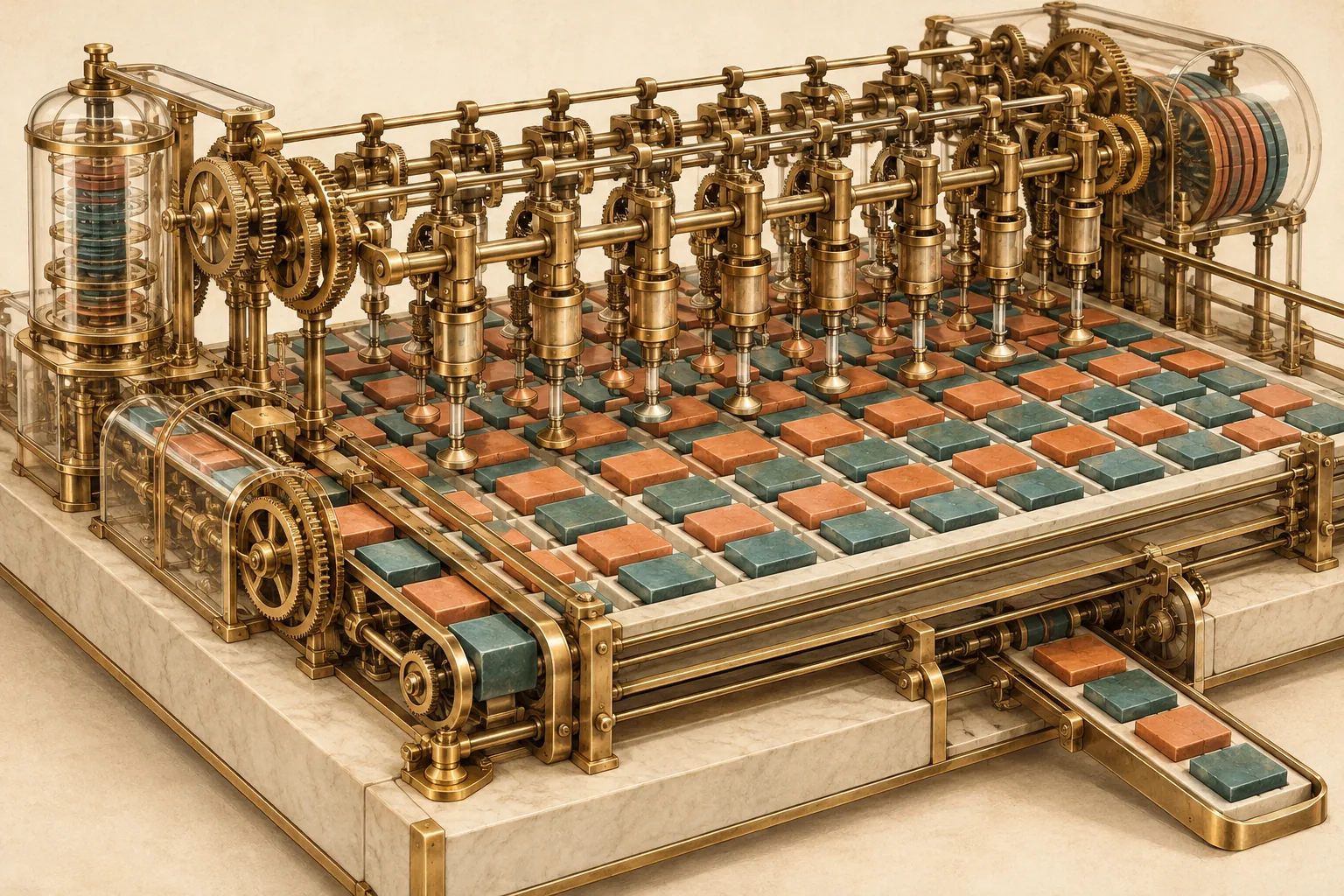
A GPU can waste time moving data back and forth. Combining steps and arranging data carefully can reduce that waste.
What a kernel is
A kernel is a small program that runs on a GPU. It divides a job into many small pieces. Each piece runs in a thread. Threads are arranged in blocks; on NVIDIA GPUs, groups of 32 threads called warps run together.
Model serving uses many kernels: matrix multiply, attention, dequantization, routing, normalization, sampling, and cache updates. A large model can launch hundreds of kernels per token. Launch overhead and gaps between kernels can waste time, so engines capture graphs or fuse small steps.
Kernels are written in CUDA, HIP, Metal, or a domain language that compiles to them. A kernel must handle the memory layout, the precision, and the shape of the tensor. A fast kernel for one layout can be slow for another.
Global memory is the device’s large memory. Registers and shared memory are smaller storage close to the GPU execution units; their capacity is limited.
Fusion and memory traffic
Consider a simple feed-forward block: multiply by an up-projection matrix, add a bias, apply GELU, then multiply by a down matrix. If each step is a separate kernel, the GPU writes the intermediate tensor to global memory and reads it back. A fused kernel keeps the intermediate in registers or shared memory.
The saving depends on the batch size. At batch 1, the weights dominate. The intermediate tensors are small, so fusion saves little. At a large batch, the intermediates are large, and fusion can remove most of the traffic.
The lesson is not "always fuse". A fused kernel uses more registers and shared memory, which can lower occupancy. It may also be harder to vectorize. Measure the whole chain, not only the bytes saved.
FlashAttention is a well-known fusion result. It computes attention in tiles and never writes the full score matrix to global memory. That cuts traffic and memory use. Many serving stacks use a fused attention kernel for the same reason.
Tiling and coalescing
In this NVIDIA-style example, memory reads are counted in 32-byte sectors. When 32 threads read adjacent 4-byte values, the hardware can serve them with a small number of sectors. When the threads read with a large stride, each thread touches a different sector. Most of each sector is wasted.
Coalescing means arranging reads so nearby threads use nearby memory addresses. Tiling means working on a small piece of data at a time and reusing it from faster memory. Both matter for matrix multiply and attention.
The same data can be fast or slow depending on layout. A transposed weight matrix can turn a coalesced read into a strided one. That is why kernels often require a specific layout, and why a format conversion can be worth the cost.
Occupancy and latency
Occupancy describes the active warps on a multiprocessor relative to its maximum. A warp is a group of threads that execute together. More warps hide memory latency. Registers, shared memory, and block size limit occupancy. A kernel that uses too many registers can run few warps and stall on memory.
Tensor cores need specific tile shapes and data types. A kernel that feeds them well can be much faster than a scalar version. A kernel that falls back to a slow path can lose the advantage of the format.
Reading a profile
A profile shows where time goes. It can attribute time to kernels, memory copies, gaps, and side streams. Use a tool such as Nsight Systems or Nsight Compute. Capture a real request, not a microbenchmark.
A profile can reveal which operations take the most time. Check whether the capture includes overlapping work on other streams before you interpret the percentages.
What to tune, and in what order
- Confirm correctness. Check packed values, one-row versus batched output, and cache resume.
- Measure the baseline with fixed prompts, seeds, and token hashes.
- Profile the largest kernel by time, not by count.
- Change one thing: tile shape, group size, vector width, or fusion boundary.
- Start with at least five repeats per condition. Compare medians and the spread; add runs when the result is uncertain.
- Keep the change only if it survives a second workload.
Do not tune with instrumentation on. Counters and timeline capture can disable graphs or change scheduling. Use the profiled run to find the target, then measure the change with a clean run.